Color Maps
Long-Press & Tap "Copy"
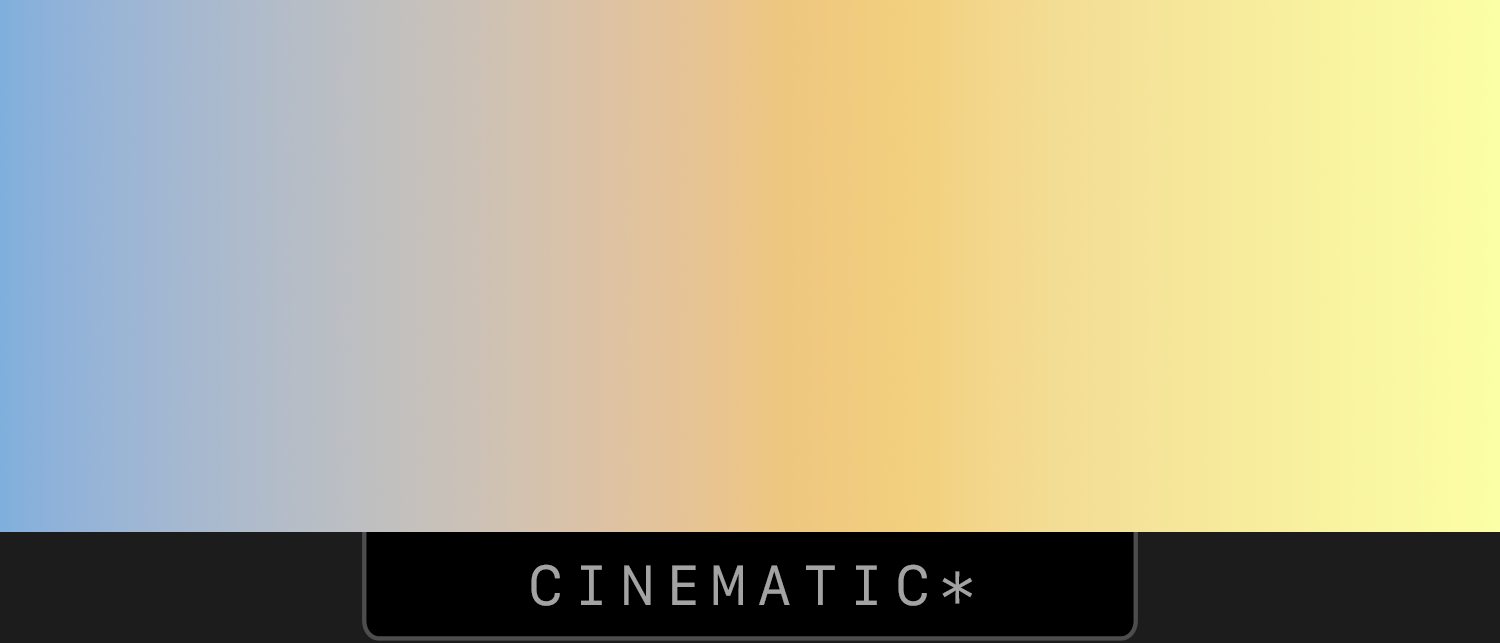
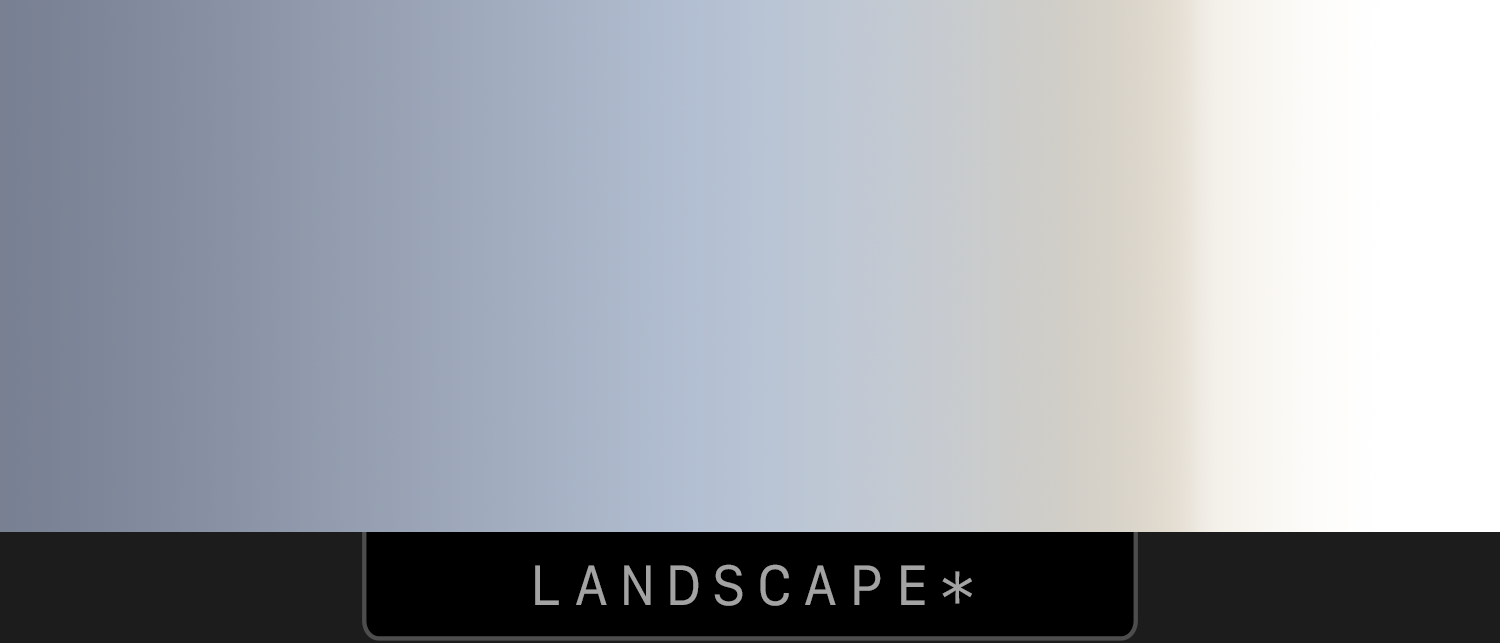
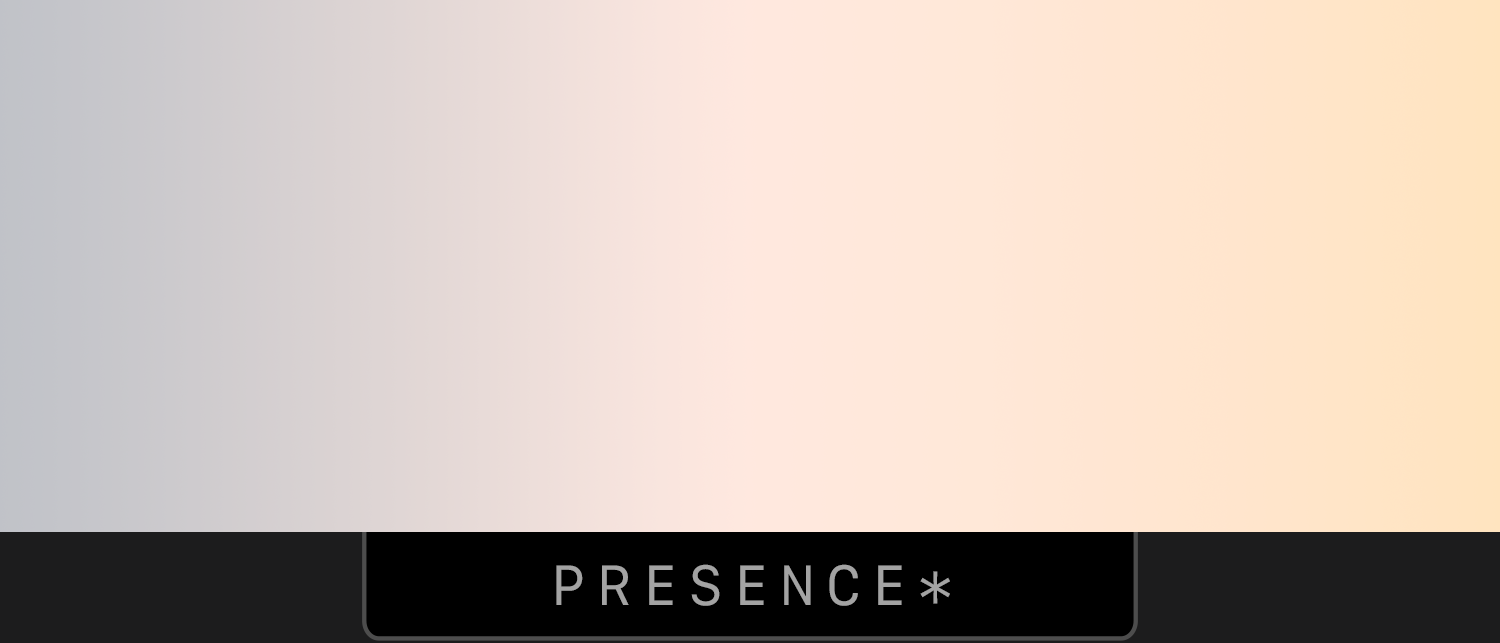
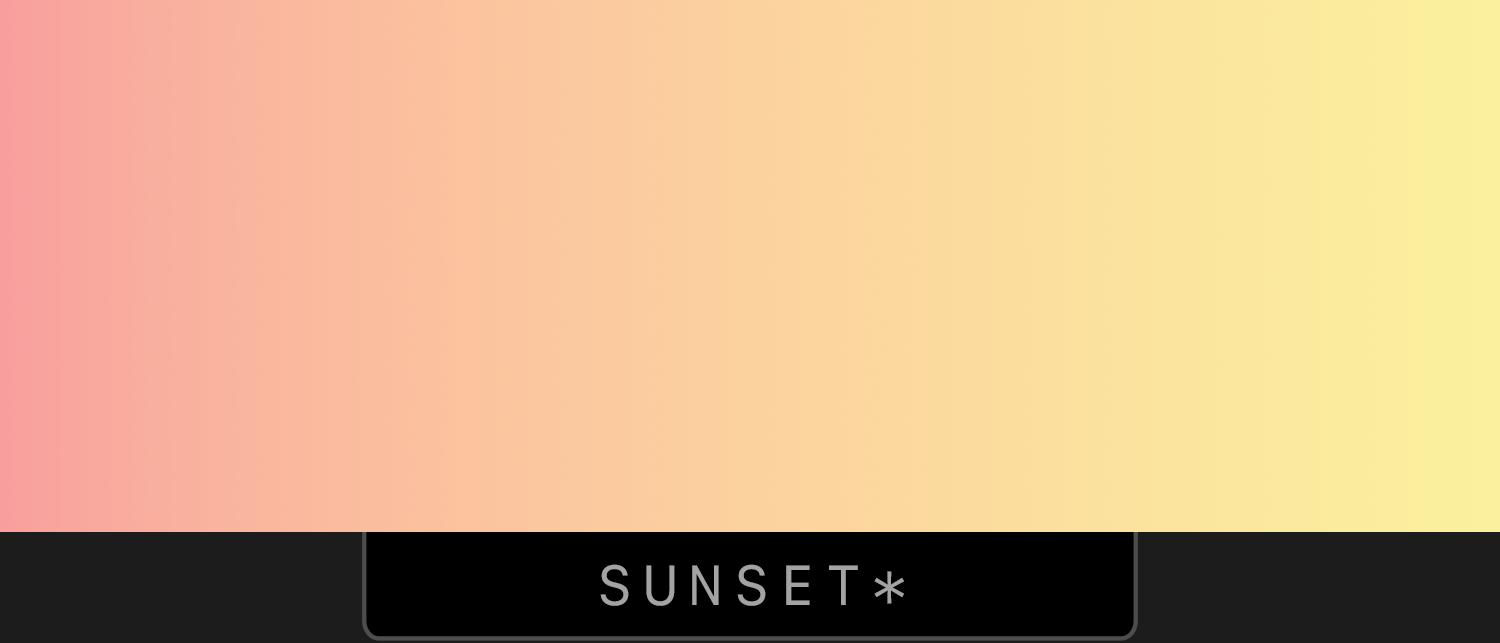
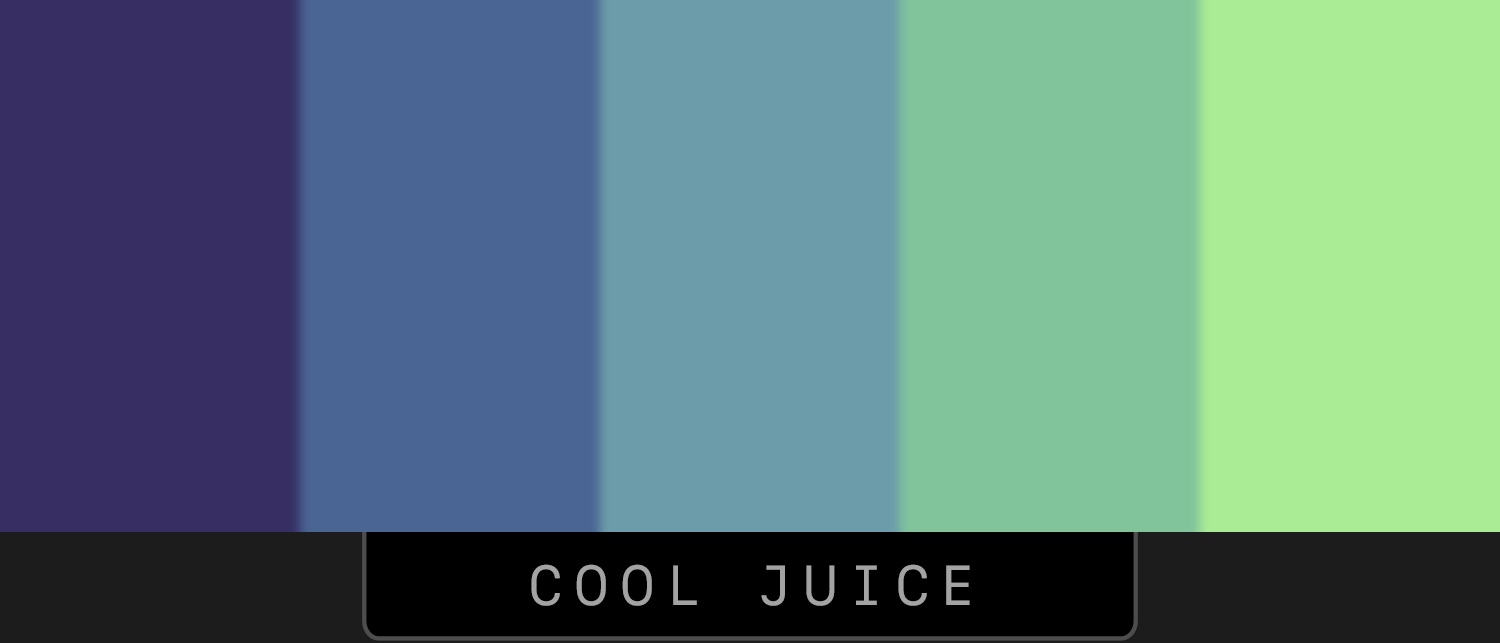
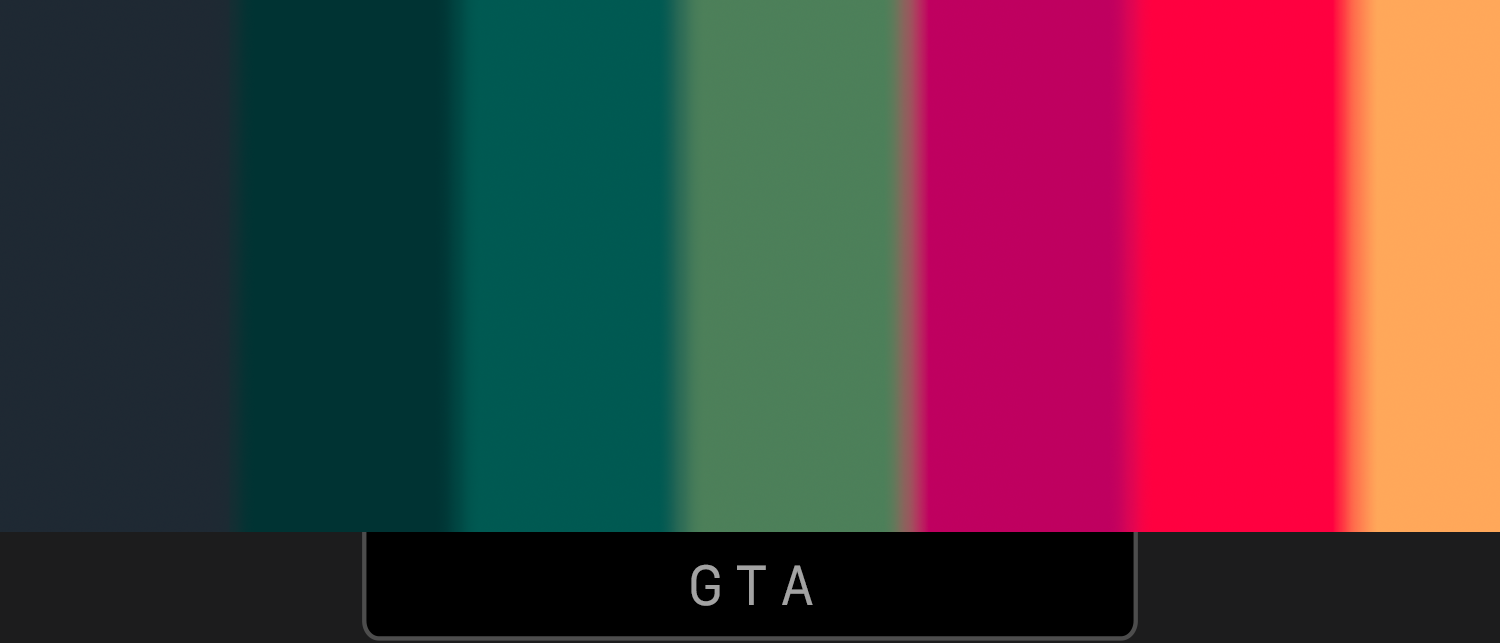
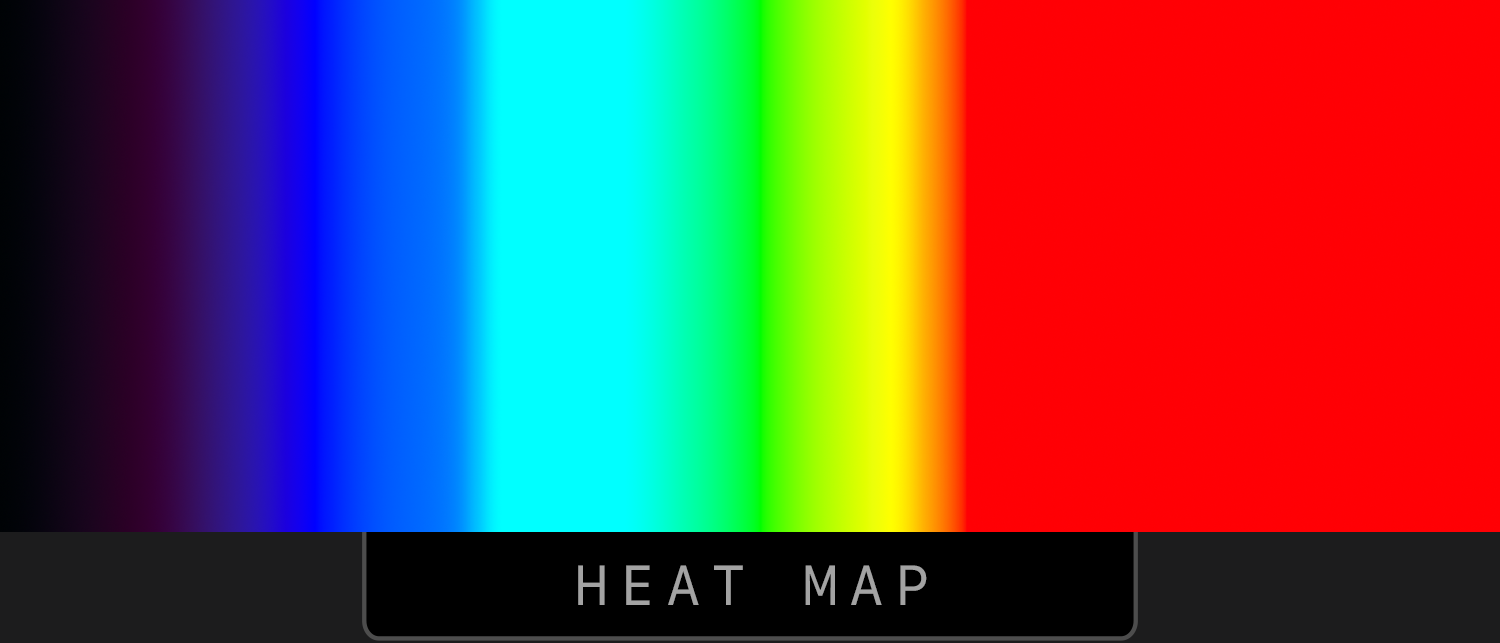
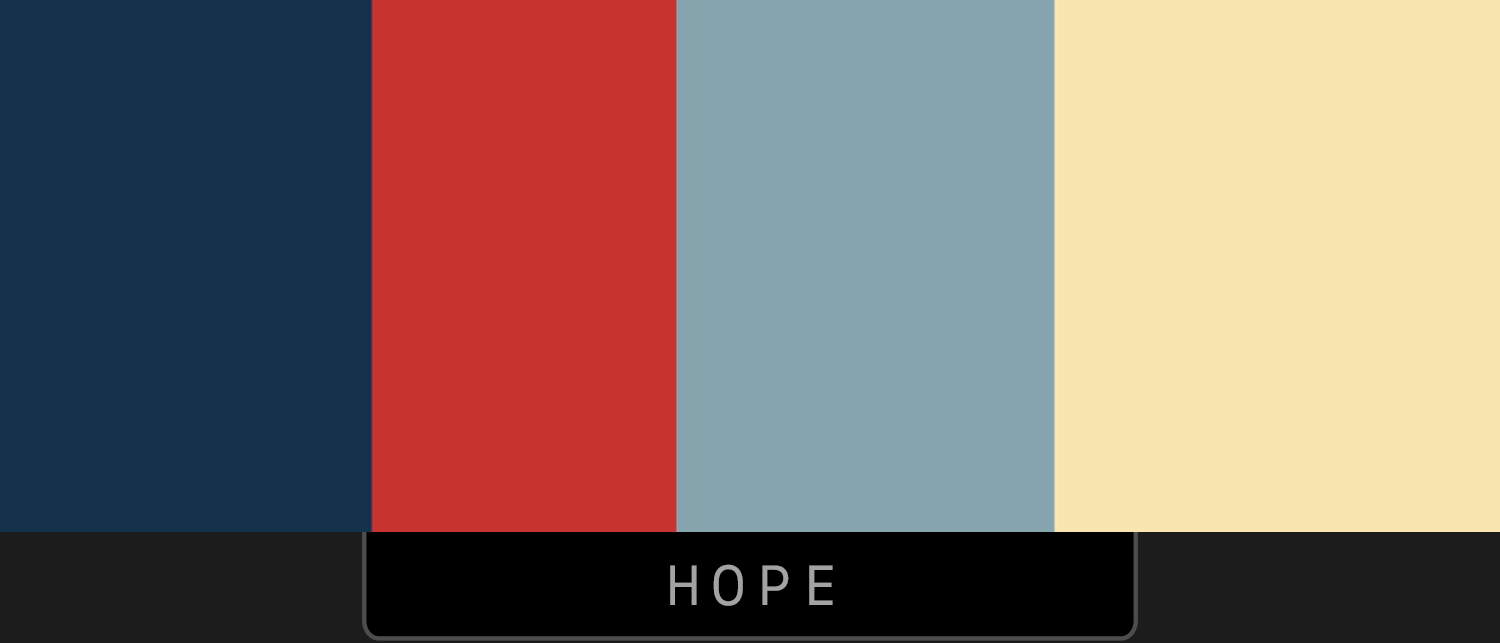
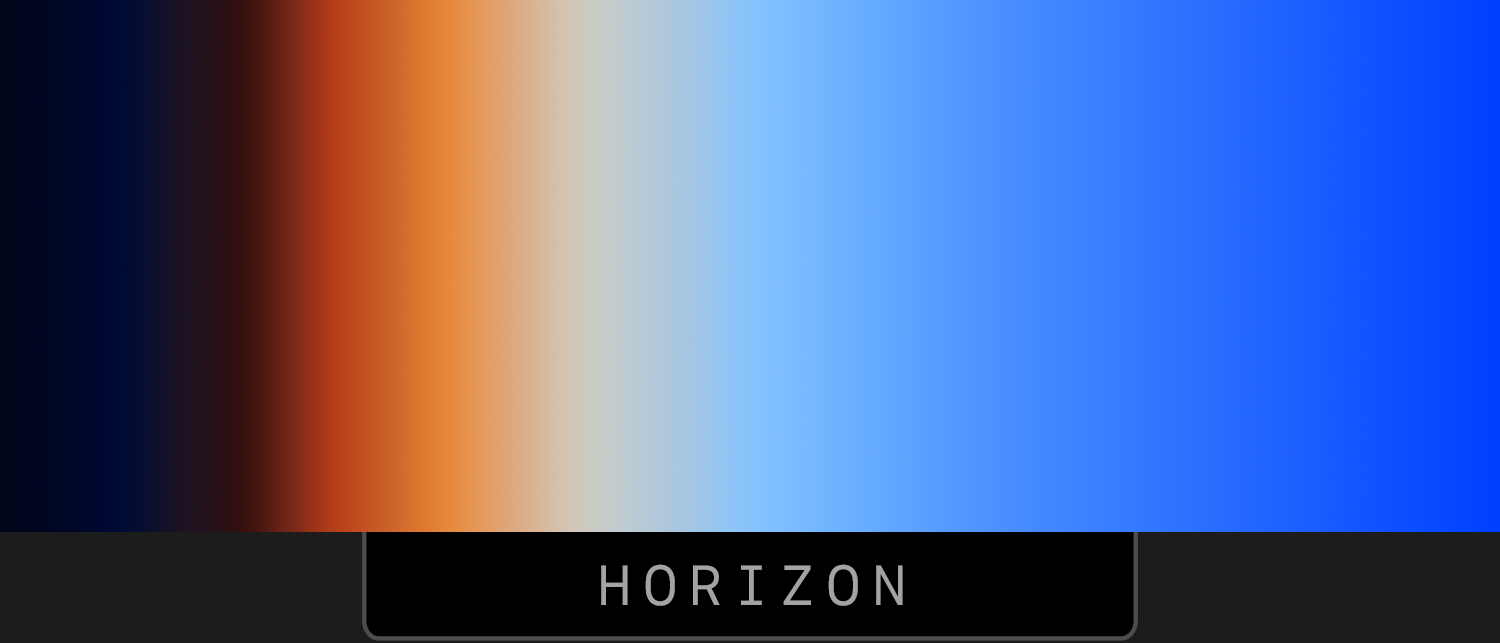
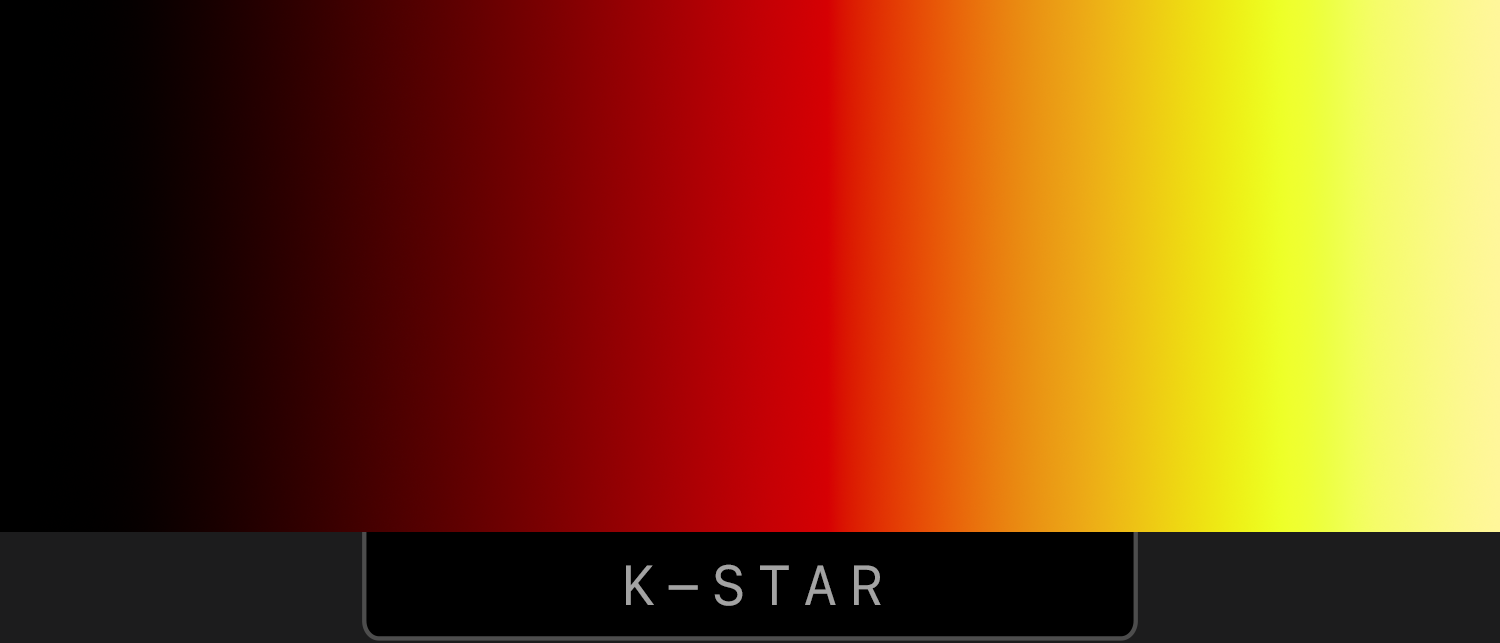
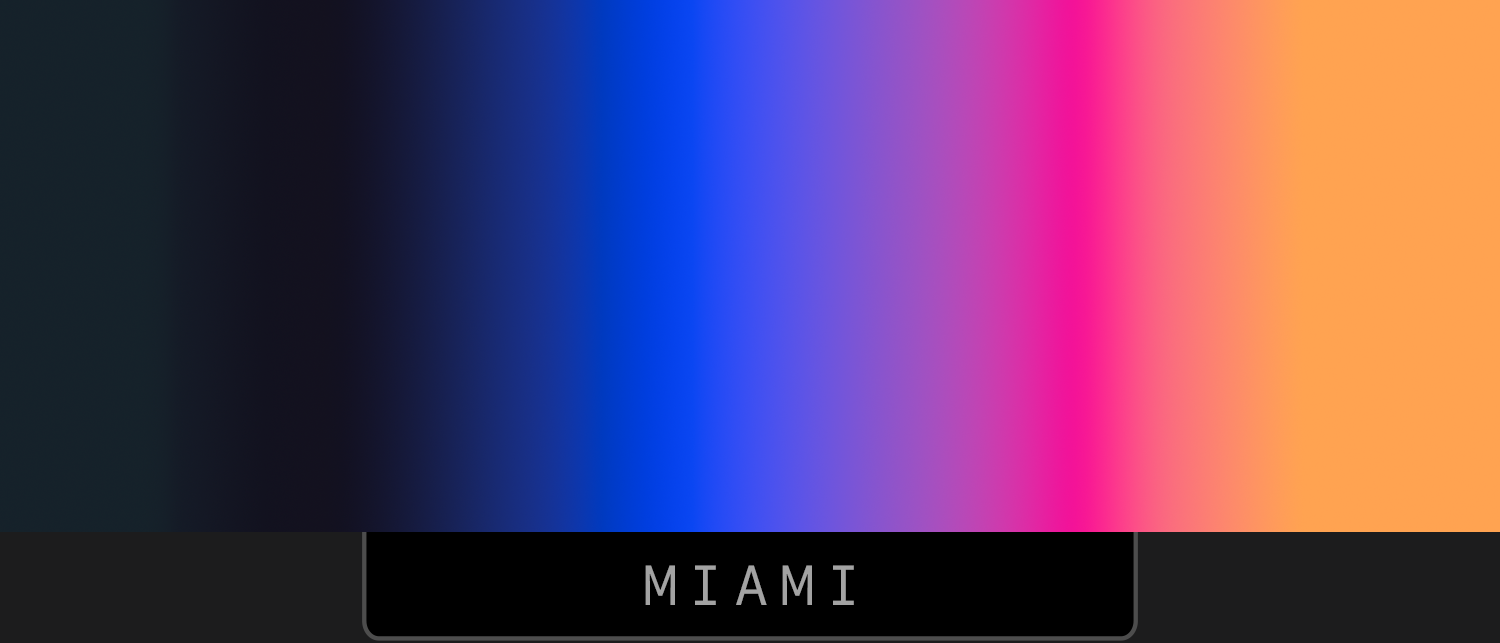
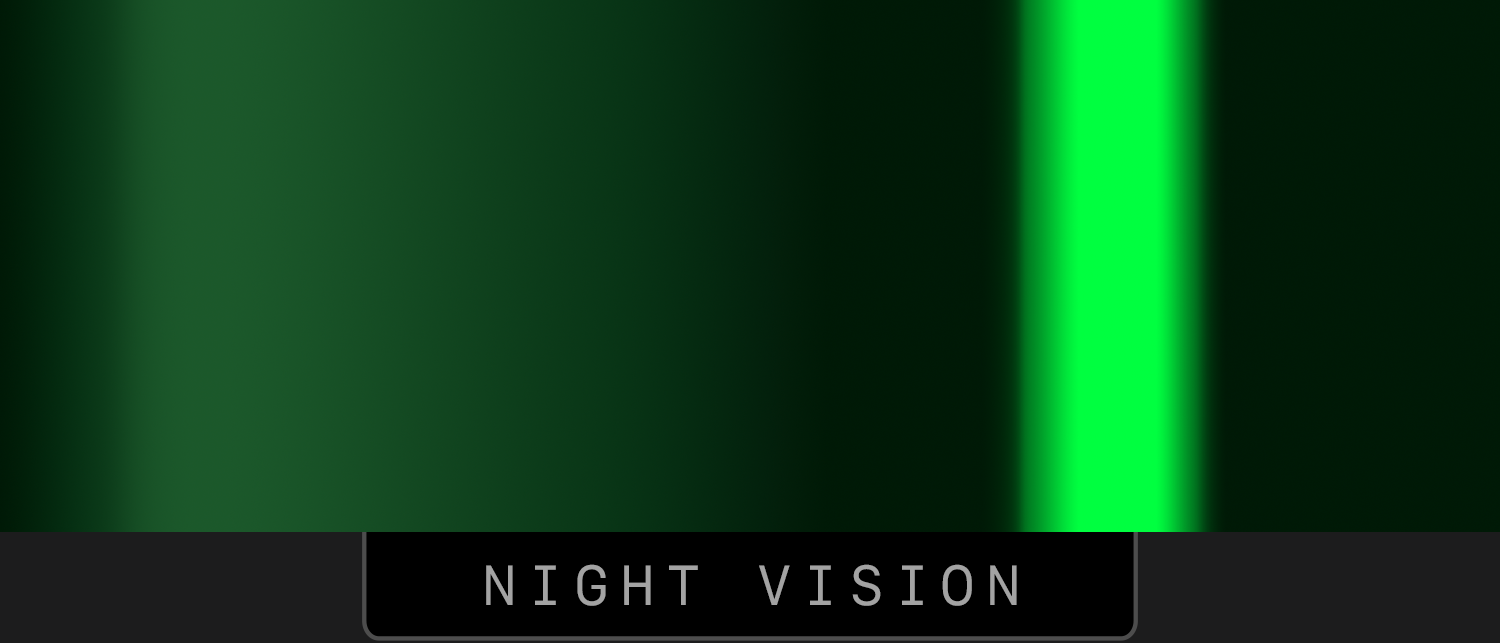
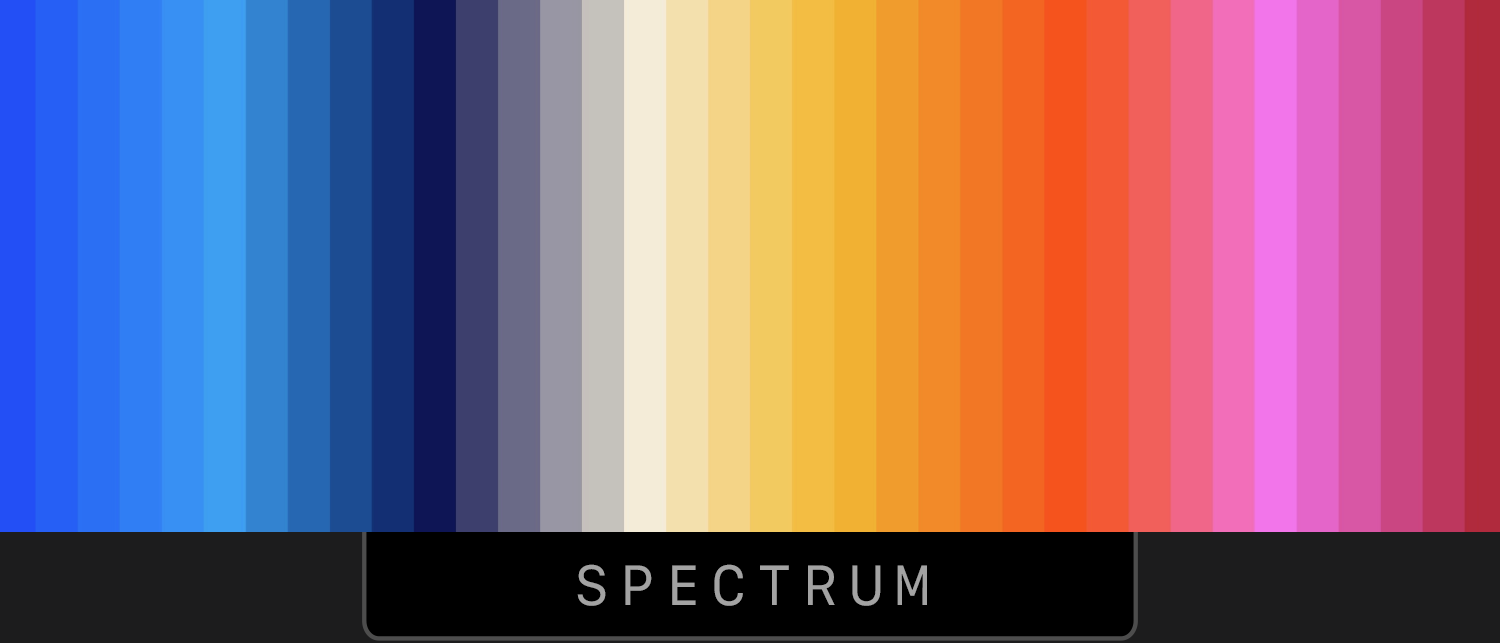
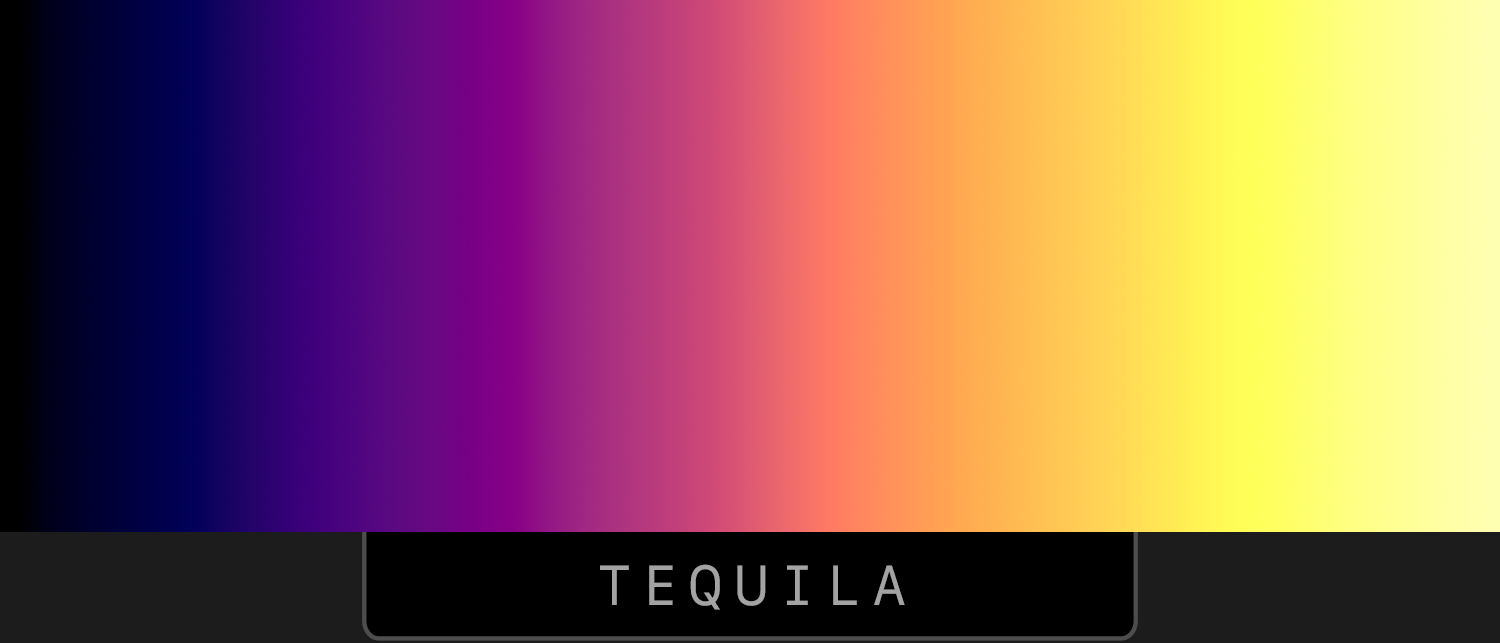
Long-press on any of the below images and select "Copy".
Long-press to paste in Phase settings.
How It Works
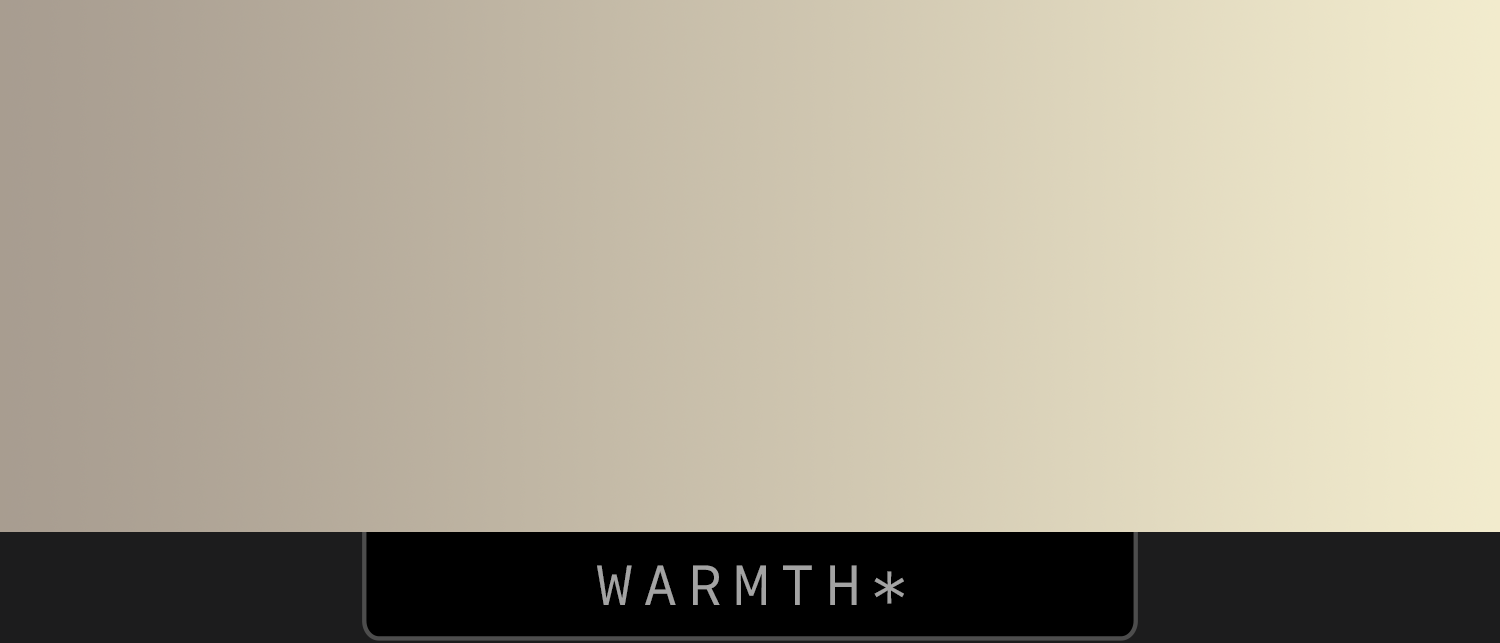
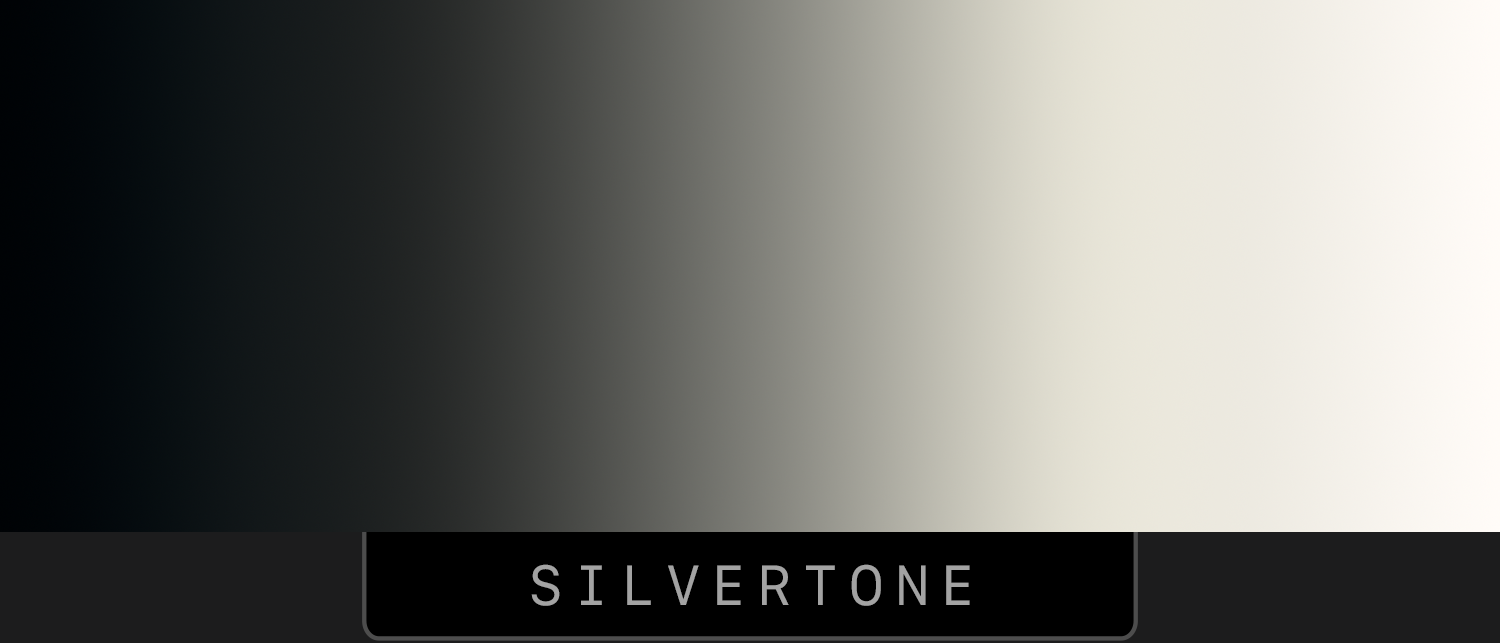
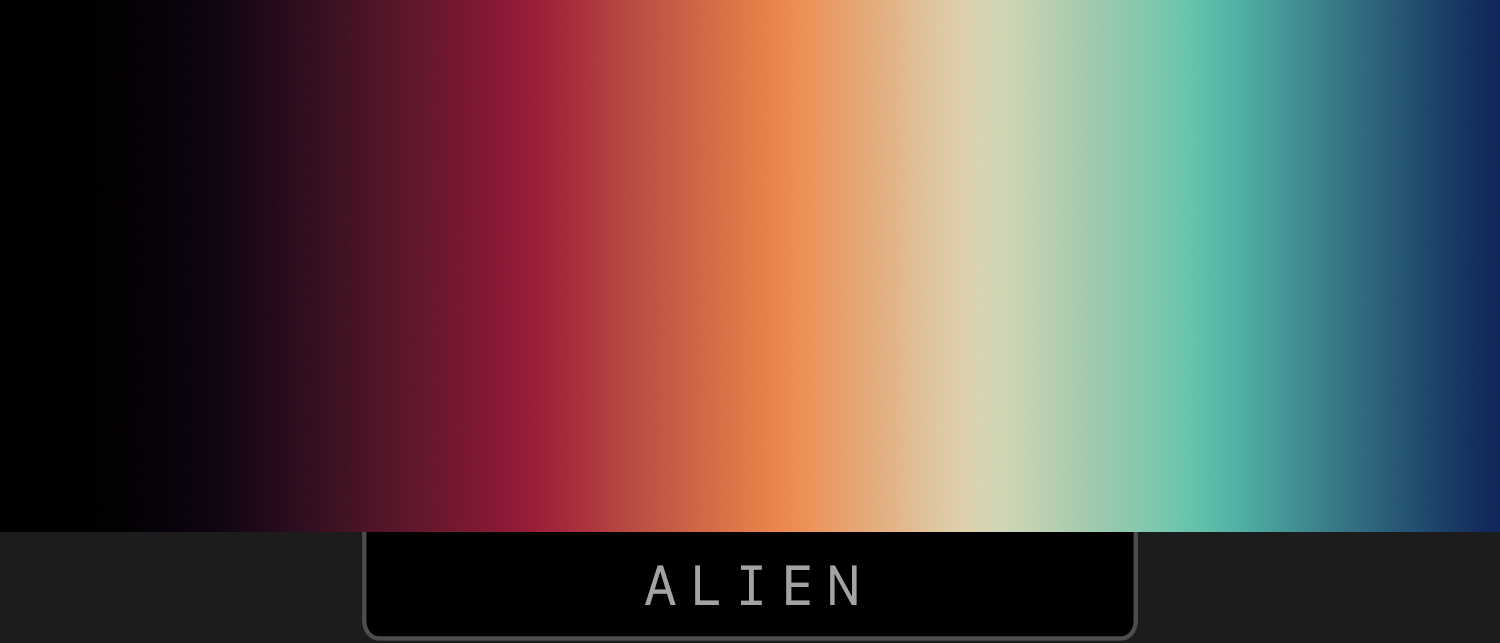
Phase uses the color map to change the colors of your photo.
The left side of the color map changes the darker tones, and the right side changes the lighter tones.
Transparency decides how strong the effect will be — opaque=100% strength.
Subtle Effects*
Best used with Overlay Color Map turned on
Artistic Effects
(Overlay Color Map set to "Off")

Colorful Effects
(Overlay Color Map set to "Off")
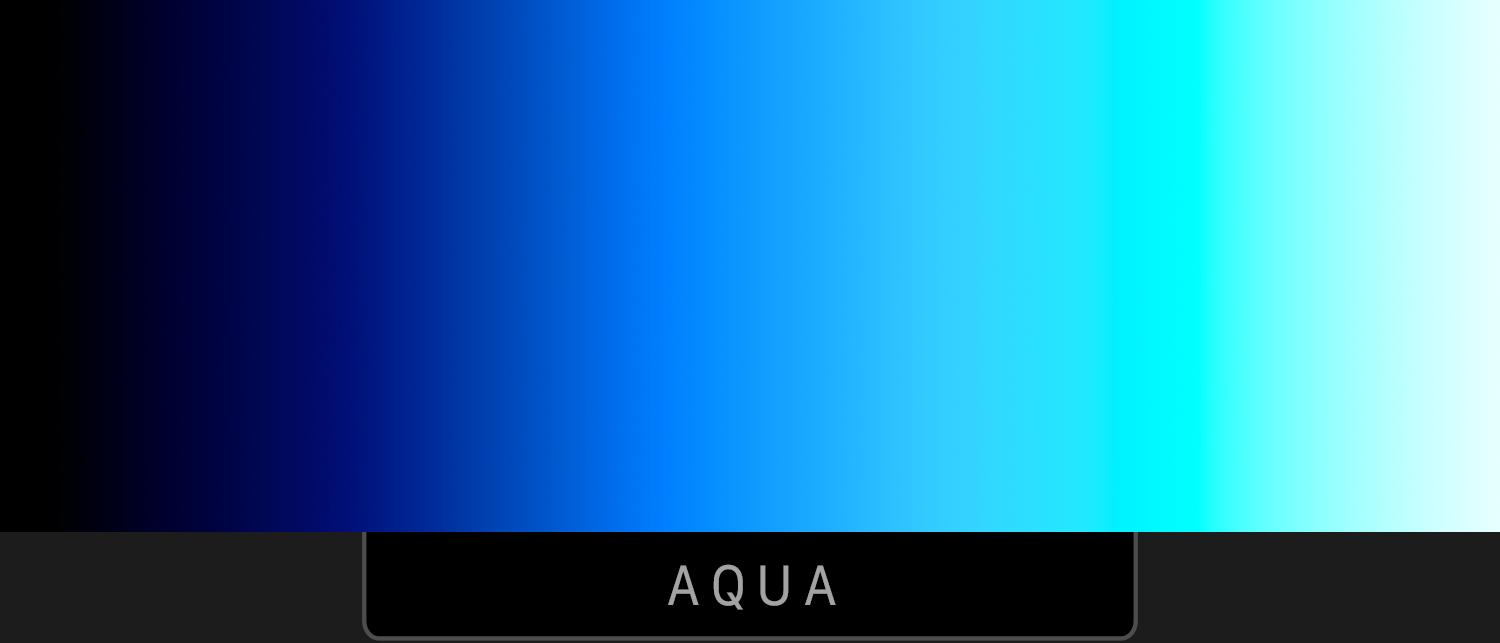
Other Images
You can use any gradient image that you find on the web — just copy it and paste it into Phase.
Phase uses the first row of pixels in the image to generate the color map. If an image doesn't work, it may be that the first row of pixels is a thin border.